Donation Order Archiving
Donation orders are used to process orders/product receipts from donors that do not involve a dollar value. Ceres allows you to archive donation orders, and this document discusses the process to set up and execute the archival. This document discusses the process to execute the archiving of donation orders.
Ceres Object release 5.00.00 is required for the functionality described in this document.
Setup
-
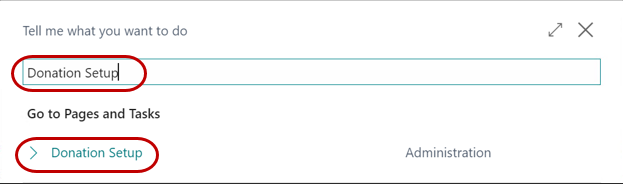
Archiving of donation orders is a configurable setting in the Donation Setup. To access the Donation Setup, select Departments ▸ Donation ▸ Administration ▸ Setup.
-
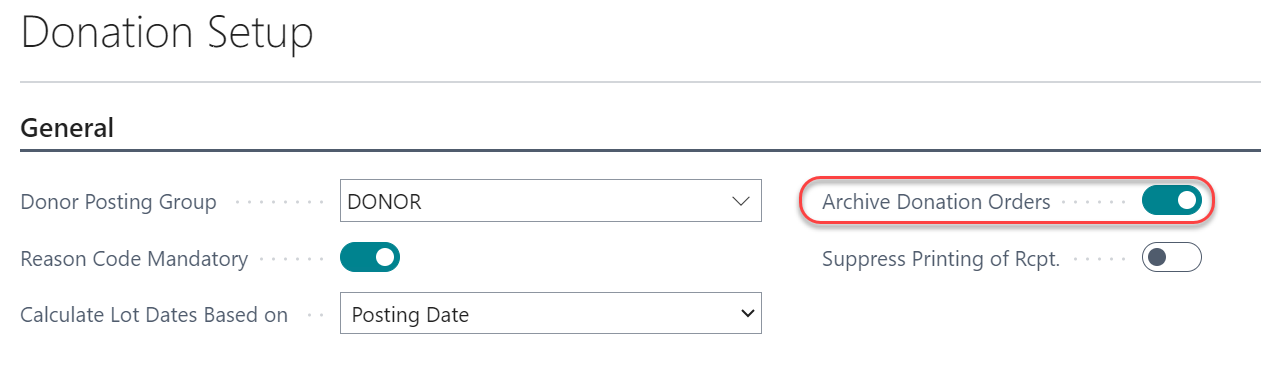
The Archive Donation Order field allows you to specify whether you want Ceres to automatically archive donation orders during the posting process. For automatic archiving, place a check mark in the box.
Archiving Donation Orders
-
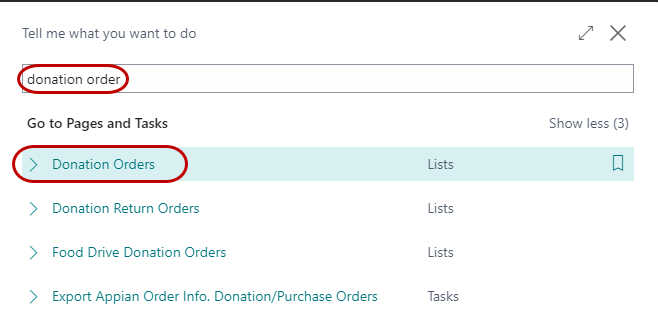
Donation orders can be archived manually or automatically. To archive a donation order, go to Departments Donation Order Processing Donation Orders.
-
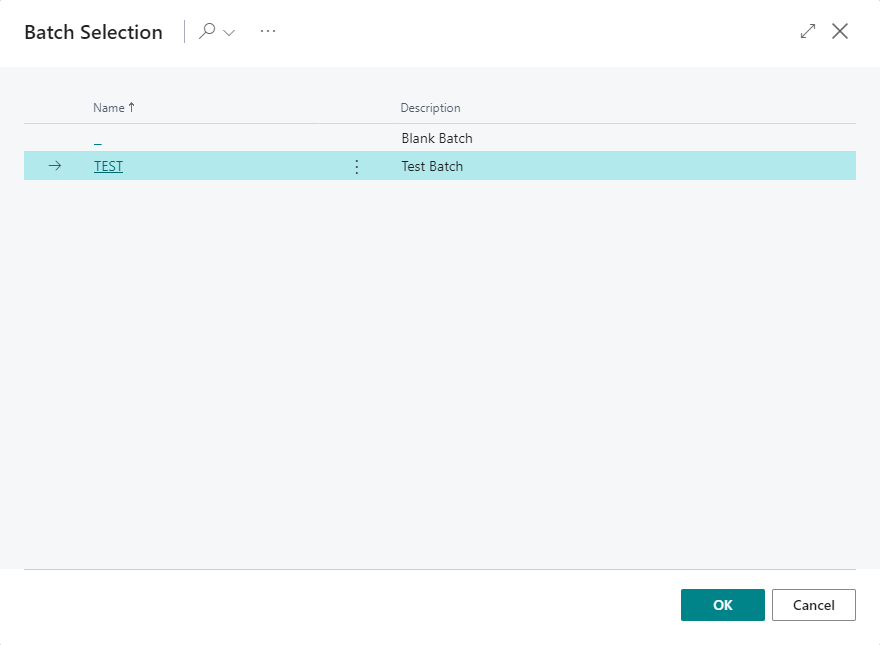
If you are using batches, select your batch from the batch list; otherwise click Cancel.
-
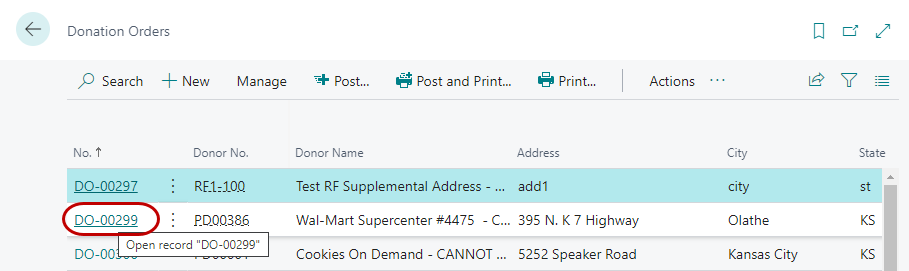
A list of open donation orders will be displayed. Double click or select Home ▸ Manage ▸ Edit to open the order to be archived.
-
To manually archive a donation order, select Actions ▸ Functions ▸ Archive Document.
-
An Archive Order no: message will display. Select Yes to archive the order and No to cancel the process.

-
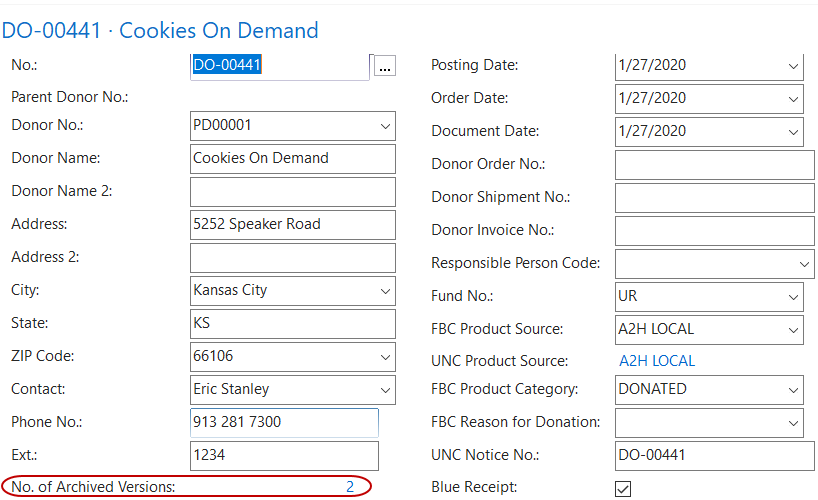
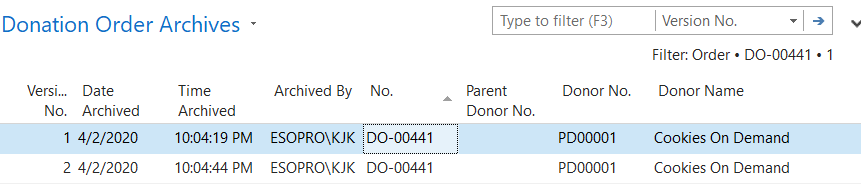
Once the donation order is archived, a confirmation message will display, and the No. of Archived Versions field is updated to reflect the number of times an order has been archived. You can drilldown to the archived orders by clicking on the value associated with the No. of Archived Versions field.
-
Automatic archiving occurs when a donation order is posted.
Archived Donation Orders
-
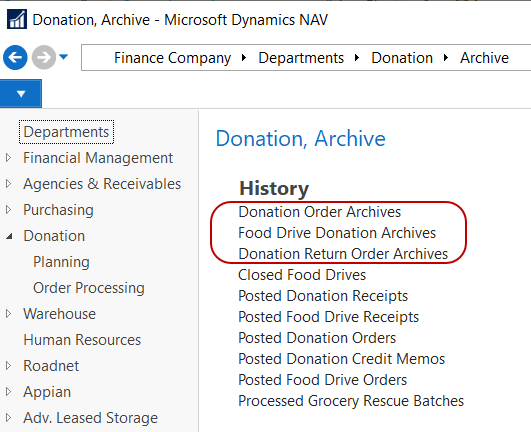
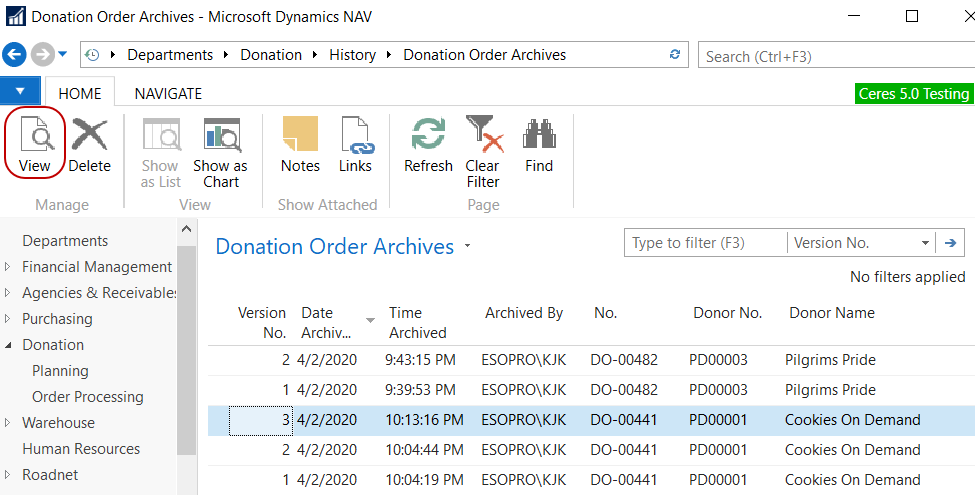
To view Archived Donation Orders once the donation order has been posted, go to Departments ▸ Donation ▸ Archive History. Archiving options are available for donation orders, food drive donation orders, and donation return orders.
-
Select one of the Archive options for a list of documents that have been archived. The documents display in Version No, Document No. order. Locate the document you want to view and select Home Manage View.
Related Topics
- Donation Order Overview
- Donor Overview
- Food Drive Overview
- Donation Return Order Overview
- Donation Credit Memo Overview